
emailIcon
solutions@disolutions.net

facebook
+91-9904566590
facebookinstagramLinkedInIconyoutubeIcontiktokIcon
Background

App Development

Build vs. Buy vs. Outsource: How to Decide Before You Spend a Penny on Software

calendarSep 26, 2026
clock8 minutes read

By DI Solutions

Developer

Blogger
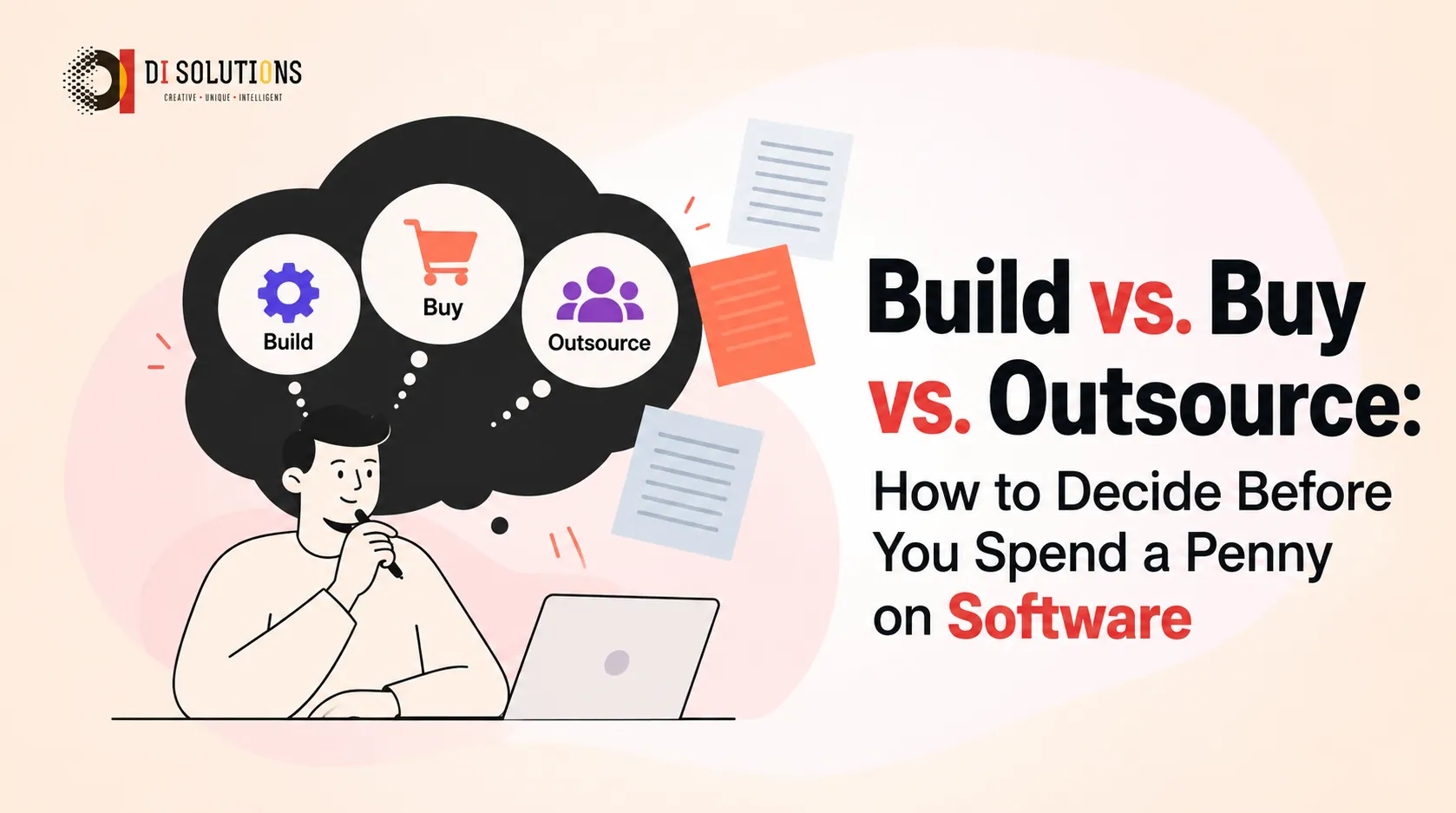
Decision framework comparing build, buy and outsource options for software

Every software project starts with the same question: should we build it ourselves, buy something ready-made, or hire an outsourcing partner?


Get it right and you launch faster, spend less and stay flexible. Get it wrong and you can lose months and a large part of your budget on a tool that doesn’t fit, or on a team you can’t manage.


This guide gives you a simple framework, a comparison table and a list of red flags so you can decide with confidence.

What Do “Build”, “Buy” and “Outsource” Actually Mean?


  • Build (in-house): You hire developers, designers and QA staff as employees and create the software yourself.
  • Buy (off-the-shelf / SaaS): You purchase or subscribe to an existing product, such as a CRM, an ERP or a project management tool.
  • Outsource: You hire an external software development company to build custom software for you. This can be a fixed-price project or a dedicated development team that works only on your product.

Many companies also mix these options. For example, they buy a standard tool for accounting and outsource a custom customer portal.

The 5-Question Decision Framework


Answer these questions honestly before you compare vendors or post job ads.

1. Is this software a competitive advantage?

If the software is your product, or it supports a process that makes you different from competitors, lean towards build or outsource. If it handles a common need such as payroll, email or basic accounting, buy.

2. Does an existing product cover at least 80% of your needs?

If a SaaS tool already does most of what you need, buying is almost always faster and cheaper. If you would have to bend your whole workflow around it, custom software will pay off sooner than you expect.

3. Do you have the technical team and time?

Building in-house means recruiting, onboarding, managing and retaining engineers. That takes months before the first line of production code. If you don’t have a technical leader, outsourcing removes that delay.

4. How fast do you need to launch?

  • Need it this month? Buy.
  • Need it in 2 to 4 months with custom features? Outsource.
  • Can wait 6 months or more and want full control? Build.

5. What will it cost over 3 to 5 years, not just year one?

SaaS looks cheap at first, but per-user fees grow as you grow. Custom software costs more upfront but has no licence fees. Always compare the total cost of ownership (TCO) over several years.

Build vs. Buy vs. Outsource: Comparison Table


FactorBuild (In-House)Buy (Off-the-Shelf)Outsource
Upfront costHigh (salaries, tools, recruiting)LowMedium
Long-term costHigh but predictableGrows with users and add-onsMedium; scalable up or down
Speed to launchSlow (hiring first)FastestFast
CustomisationFullLimitedFull
Control over roadmapFullVendor decidesHigh (you set priorities)
Technical expertise needed from youHighLowLow to medium
Scalability of teamSlow to scaleNot applicableEasy to scale
Main riskHiring delays, key-person dependencyVendor lock-in, missing featuresPoor vendor choice, communication gaps
Best forCore product companies with strong tech leadershipStandard business needsStartups and SMEs needing custom software quickly

When Should You Build In-House?


Building makes sense when:

  • Software is central to your business model.
  • You have (or can hire) senior technical leadership.
  • You plan to develop the product continuously for years.
  • Your data or IP is so sensitive that you want everything under your roof.

Watch out for: long hiring cycles, salary inflation and the risk that one departing engineer takes critical knowledge with them.

When Should You Buy Off-the-Shelf Software?


Buying makes sense when:

  • The need is common across industries (HR, accounting, email marketing).
  • You need it working immediately.
  • The tool integrates with the systems you already use.
  • Customisation is a “nice to have”, not a necessity.

Watch out for: per-seat pricing that balloons, limited APIs, and data that is hard to export if you switch vendors.

When Should You Outsource Software Development?


Outsourcing makes sense when:

  • You need custom software but don’t have an in-house team.
  • You want to launch an MVP quickly and test the market.
  • You need specialised skills for a limited time (AI/ML, mobile, cloud migration).
  • You want flexible capacity that can grow or shrink with your roadmap.

Outsourcing models include:

  • Fixed-price projects: best when scope is clear and unlikely to change.
  • Time and material: best when requirements will evolve.
  • Dedicated development team / staff augmentation: best for long-term products where you want a team that feels like part of your company, without the HR overhead. See our complete guide to hiring React.js developers for an example.

Red Flags to Watch For


Red flags when choosing to build

  • You haven’t defined who will lead the technical work.
  • The budget covers development but not maintenance, hosting or security.
  • The plan depends on hiring “unicorn” full-stack engineers.

Red flags when choosing to buy

  • The vendor can’t show you an export or API for your data.
  • The demo looks great, but core features you need are “on the roadmap”.
  • Pricing is vague about user tiers, storage or add-ons.

Red flags when choosing an outsourcing partner

  • No portfolio or client references you can actually verify.
  • Fixed quotes with no discovery phase. Serious partners ask questions first.
  • No clear communication process (weekly demos, shared board, named project manager).
  • Unclear IP ownership. You should own the source code from day one.
  • Rock-bottom prices. Very low quotes often lead to rework, delays or hidden charges.
  • No mention of testing, security or post-launch support.

A Quick Outsourcing Checklist


Before signing with any development partner, confirm:

  1. Written agreement that you own all code and IP
  2. Defined scope, milestones and payment schedule
  3. Regular demos and transparent progress tracking
  4. Named team members with relevant experience
  5. QA, security testing and documentation included
  6. Post-launch support and maintenance terms
  7. A clear process for changing scope

Can You Combine the Approaches?


Yes, and many successful companies do. A common pattern:

  1. Buy standard tools (accounting, HR, email).
  2. Outsource a custom product or portal to launch quickly.
  3. Build an in-house team later, once the product proves itself, or keep a dedicated outsourced team for ongoing work.

Frequently Asked Questions (FAQs)


Q1: Is outsourcing software development cheaper than building in-house?

Usually yes for the first few years, because you avoid recruitment costs, benefits, equipment and management overhead. The exact savings depend on the location and skills required.

Q2: What is the difference between outsourcing and a dedicated development team?

Outsourcing a project usually means paying for a defined deliverable. A dedicated team model gives you engineers who work exclusively on your product, with you directing priorities day to day.

Q3: When is buying software better than building custom software?

When your need is standard, speed matters most, and an existing product covers most of your requirements without heavy customisation.

Q4: How do I protect my idea when outsourcing?

Sign an NDA, make sure the contract assigns all IP and source code to you, and work with a partner that has verifiable references.

Q5: How long does it take to build custom software with an outsourcing partner?

A focused MVP often takes roughly 2 to 4 months, while larger platforms take longer. A discovery phase gives a realistic estimate for your specific project.

Final Thoughts


There is no universally “right” answer, only the right answer for your goals, budget, timeline and team. Use the five questions above, compare the total cost over several years, and check every option against the red flags.

🚀 Still unsure which route fits your project?

DI Solutions has delivered 750+ projects across 10+ countries, and our team of 75+ engineers works with startups and enterprises on custom software, dedicated teams and AI-powered products. 👉 Book a free consultation and we’ll help you choose the approach that makes sense before you spend a penny.


messageIcon
callIcon
whatsApp
skypeIcon