




Open Source
Scrapling: The Python Scraper That Survives a Site Redesign


By DI Solutions
Developer

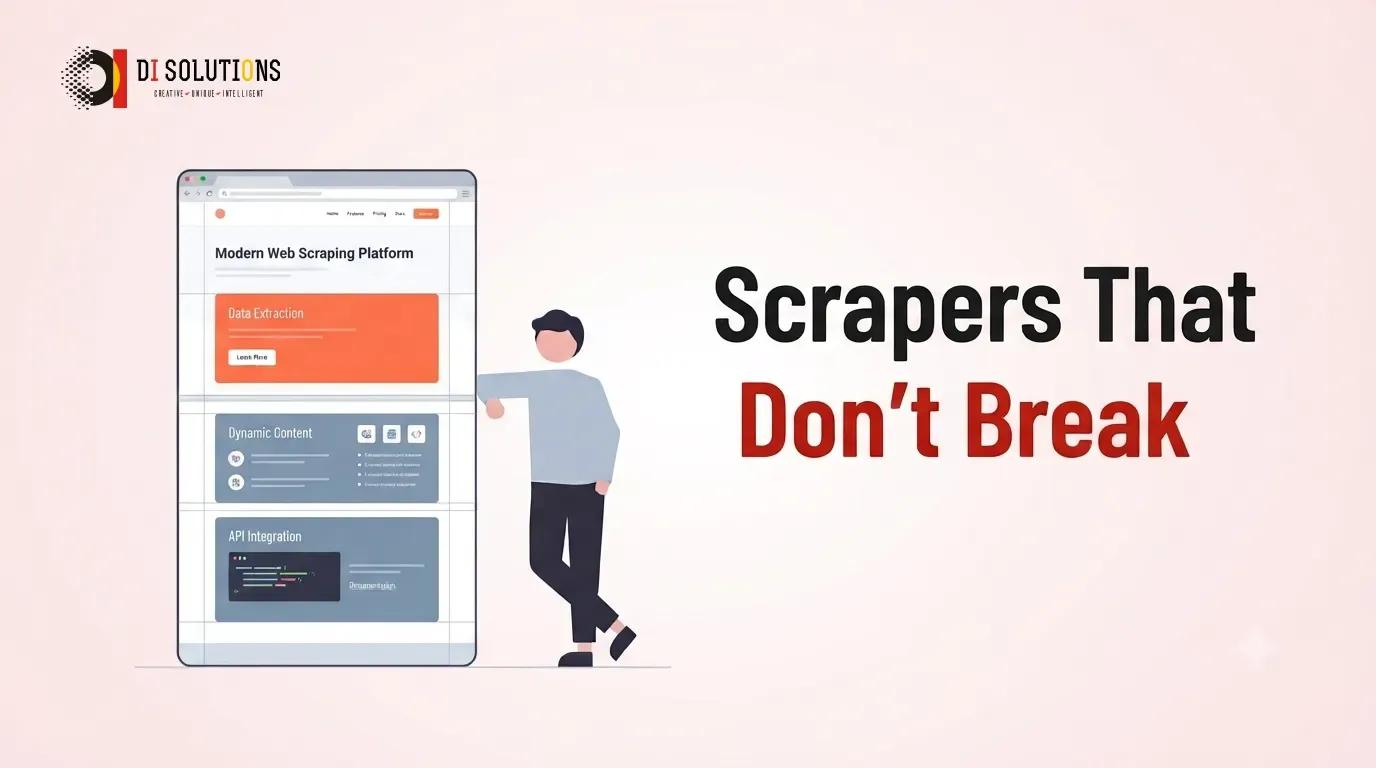
Scrapling is an open-source Python scraping framework whose selectors remember what they matched. When a site ships a redesign and your CSS selector stops matching, Scrapling uses a stored fingerprint of the old element to find its replacement instead of quietly returning nothing.
That one idea is aimed squarely at the thing that actually kills scraping projects. It is never the first version that hurts.
Key takeaways
- Adaptive selectors relocate an element by similarity after the DOM changes. No other mainstream scraping library does this.
- Three fetchers behind one parser API — fast HTTP with TLS fingerprint impersonation, a hardened stealth browser, and full browser automation — so you escalate without rewriting your parsing code.
- A spider framework with a Scrapy-shaped API but async callbacks, auto-throttling, and checkpointed crawls that survive a restart.
- It ships an MCP server and a spider that emits Markdown, which makes it a first-class source for retrieval-augmented generation pipelines.
- Still 0.x, so the API can move. BSD-3-Clause, which is the friendliest licence of anything in this series for client deliverables.
- The anti-bot features create real legal and contractual exposure. That is a scoping conversation, not a technical one.
Why do scraping projects fail?
Not on day one. On day ninety. You build the scraper, it works, everyone is happy, you move on. Then the target site ships a redesign, .product-title matches nothing, and your extractor starts writing None into the database.
The insidious part is the silence. A selector that matches nothing does not raise. It returns an empty list, your loop runs zero times, and the job exits successfully. You find out when somebody asks why the dashboard has been flat for two weeks.
For an agency this is a margin problem wearing a technical costume. You quote a fixed price for a scraper, and then you own an unbounded maintenance tail across every site you touched, on a schedule set by other people's design teams. Most scraping contracts lose money in month four.
The second failure is the front door. Plain HTTP requests get fingerprinted at the TLS layer and blocked before your parser ever runs. The usual answer is a pile of glue — a stealth plugin, a patched driver, a proxy pool, a CAPTCHA service — that breaks on its own independent schedule.
How do adaptive selectors work?
When Scrapling matches an element, it can store a fingerprint of it — where it sat in the tree, what surrounded it, what its text and attributes looked like. If the same selector later matches nothing, Scrapling searches the new document for the element most similar to the one it remembers, and hands you that.
It is a heuristic, and it is worth being clear-eyed about that. It will not save you if the site stops publishing the data. What it does handle is the common case: the content is still there, the class names changed, the nesting shifted by a div. That case is most redesigns.
Practically, it converts a silent failure into a recovered value — and just as importantly, it gives you a signal that the page moved, so you can re-pin the selector deliberately rather than discovering the drift a fortnight later.
Three fetchers, one parser
The design decision that makes Scrapling pleasant is that escalation does not cost you a rewrite. Every fetcher returns the same page object with the same selector API, so moving from plain HTTP to a full browser is a one-line change.
| Fetcher | What it does | Reach for it when |
|---|---|---|
| Fetcher | HTTP requests with TLS fingerprint impersonation | The content is in the HTML response. Fastest by a wide margin — start here. |
| StealthyFetcher | Hardened browser with fingerprint spoofing and Turnstile handling | You are being challenged rather than merely rate-limited. |
| DynamicFetcher | Full browser automation on Playwright | The data only exists after JavaScript runs, or you need to click through a flow. |
The rule of thumb: every step down that table costs you an order of magnitude in throughput. Stay as high as the site lets you.
What does the code look like?
Familiar, if you have used Scrapy or Parsel. The selector syntax is deliberately compatible, so existing knowledge transfers.
from scrapling.fetchers import Fetcher

page = Fetcher.get('https://quotes.toscrape.com/')
quotes = page.css('.quote .text::text').getall()
A full crawl is a class. Note that parse is async, which is the main departure from Scrapy's synchronous callbacks:
from scrapling.spiders import Spider, Response

class QuotesSpider(Spider):
    name = "quotes"
    start_urls = ["https://quotes.toscrape.com/"]
    concurrent_requests = 10

    async def parse(self, response: Response):
        for quote in response.css('.quote'):
            yield {
                "text": quote.css('.text::text').get(),
                "author": quote.css('.author::text').get(),
            }

        next_page = response.css('.next a')
        if next_page:
            yield response.follow(next_page[0].attrib['href'])

result = QuotesSpider().start()
result.items.to_json("quotes.json")
There is also a CLI, which is genuinely useful for the exploratory phase and for handing a one-off extraction to someone who does not write Python.
How fast is it, honestly?
The project publishes a benchmark on text extraction across 5,000 nested elements. Scrapling comes in around 2ms, Parsel just behind it, and BeautifulSoup with lxml around 1,562ms — roughly 785 times slower.
Read those numbers the way you would read any benchmark published by the thing being benchmarked. Two details are worth flagging. Scrapling reports itself as faster than raw lxml, which it is built on — that tells you the benchmark measures one optimised extraction path, not general parsing. And Selectolax, normally among the fastest HTML parsers in Python, scores poorly here, which suggests a workload shaped unfavourably for it.
The honest summary: Scrapling is in the same performance class as Parsel and lxml, which is the fast class, and BeautifulSoup is genuinely much slower than all of them. That much is uncontroversial. The exact multiples are the author's, on the author's workload.
In practice, parsing is rarely your bottleneck anyway. Network latency and politeness delays dominate. The speed is a nice property; the adaptive selectors are the reason to switch.
Alternatives worth knowing
- Scrapy — the incumbent, and still the safer pick for a large, long-lived crawl estate. A decade of middleware, extensive documentation, and an API that is not going to shift under you. No adaptive selectors and no built-in stealth.
- Parsel — Scrapy's selector library on its own. If all you want is fast, sane parsing with no framework, this is the minimal answer and it is boringly reliable.
- Crawlee for Python — the closest full-stack competitor, strong on browser pooling and storage backends. Worth evaluating head to head if you are starting fresh.
- Playwright directly — when the job is really browser automation with a bit of extraction attached, rather than extraction with a bit of browser attached.
- A commercial API — Firecrawl and similar hosted services. You pay per page and give up control, but you also transfer the anti-bot arms race and a chunk of the legal surface to somebody whose full-time job it is.
The part that belongs in the contract
Scrapling's stealth features are effective, which is exactly why they need governance. Bypassing an anti-bot control is a different act from reading a public page, and it is the kind of difference that matters if a dispute ever arises.
- Get the target list approved in writing by the client. Not implied by the brief — written down.
- Respect
robots.txtby default, and make turning it off an explicit, logged decision the client makes. - Treat enabling challenge-solving as a client decision too. Document who asked for it and why.
- Rate-limit like a guest. Auto-throttling exists; use it. The fastest crawler is the one that does not get blocked.
- Personal data pulls privacy law into scope regardless of how public the page was.
None of this is an argument against the tool. It is an argument for writing down what you agreed.
How do you get started?
- Install the parser with
pip install scrapling. Add the browser fetchers only when you need them —pip install "scrapling[fetchers]"followed byscrapling install. - Try the plain fetcher first on your real target. A surprising share of sites still serve the data in the HTML, and if yours does you have just avoided a browser.
- Turn on adaptive matching for the selectors that carry the values you actually care about — the price, the title, the stock count.
- Add auto-throttling and checkpoints before the first long crawl, not after it dies at 80%.
- Alert on empty extractions. Even with adaptive selectors, a run that returns zero rows should page someone.
Conclusion
Scrapling is written by a security researcher, and it shows. The anti-bot handling is more considered than most scraping libraries manage, and the adaptive selectors attack the maintenance cost that everyone else treats as a fact of life.
It is still 0.x, so pin your version and read the release notes. But if you have ever watched a scraper fail silently for a fortnight, the pitch needs no elaboration.
Need data out of the web and into your product?
DI Solutions builds extraction pipelines with monitoring on the failure modes that matter, and feeds them into search, dashboards and vector databases for AI features. If that is your project, talk to our data and AI engineers.
Reference links
Frequently Asked Questions (FAQs)
What is Scrapling?
Scrapling is an open-source Python web scraping framework. It combines an lxml-based parser with adaptive selectors that can relocate an element after a site changes its HTML, three fetchers ranging from plain HTTP to a stealth browser, and a Scrapy-shaped spider framework with async callbacks.
What are adaptive selectors?
Adaptive selectors store a structural and textual fingerprint of the element your selector matched. When the site changes and the selector stops matching, Scrapling uses a similarity algorithm to find the element that most closely resembles the one it saw before, instead of returning nothing.
Is Scrapling faster than BeautifulSoup?
By the author's published benchmark, dramatically — roughly 785 times faster than BeautifulSoup with lxml on a 5,000-element text extraction. That direction is uncontroversial since BeautifulSoup is known to be slow, but the numbers are self-published by the project and were measured on a workload it chose.
Can Scrapling get past Cloudflare?
It ships a stealth fetcher with browser fingerprint spoofing and an option to solve Cloudflare Turnstile challenges. Treat any such claim as perishable: anti-bot detection is an arms race, and a bypass that works today may not work next quarter.
Is Scrapling better than Scrapy?
Not universally. Scrapy is older, has a far larger middleware ecosystem and a decade of production hardening. Scrapling is still 0.x, so its API can change. Scrapling wins on parser speed, on adaptive selectors and on built-in anti-bot handling; Scrapy wins on ecosystem and stability.
Is web scraping with Scrapling legal?
The tool is neutral; the use is not. Scraping publicly available data is broadly lawful in many jurisdictions, but terms of service, copyright, database rights and privacy law all apply, and bypassing an anti-bot control changes the character of what you are doing. Get the target list signed off in writing.
How does Scrapling help with RAG pipelines?
It ships a spider template that crawls a site and emits clean Markdown, which is the format retrieval pipelines want. That turns 'index this site and its competitors for a chatbot' from a bespoke crawler project into a short, configurable job.