






AI Engineering
What Is MCP (Model Context Protocol)? How It Works, Benefits, Use Cases, and Examples


By DI Solutions
Developer

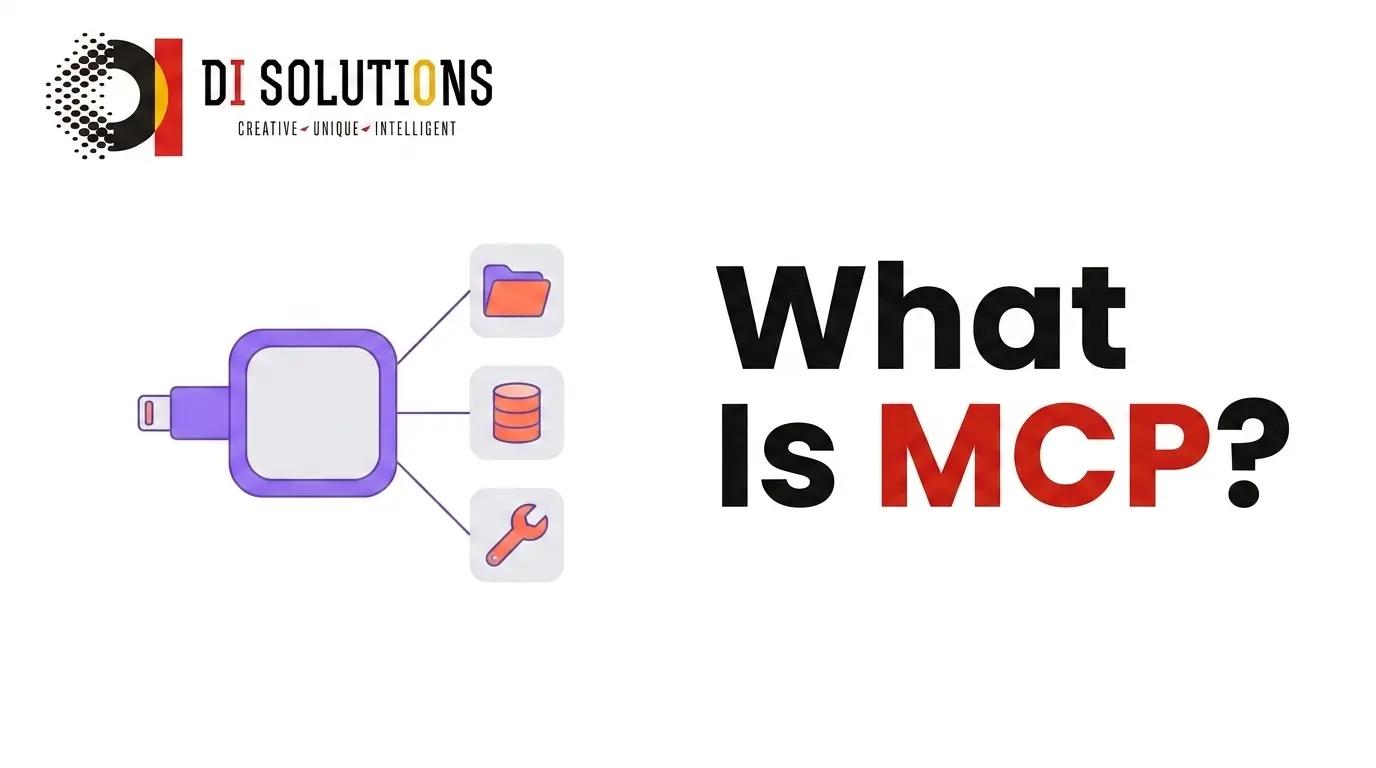
The Model Context Protocol (MCP) is an open standard, introduced by Anthropic in November 2024, that defines how AI applications connect to external tools and data. A server exposes its capabilities once, and any MCP-compatible application can use them — replacing one custom integration per model with a single shared interface.
Key takeaways
- MCP turns an M×N integration problem into M+N. Write the server once; every client gets it.
- Architecture: a host application runs one client per server, exchanging JSON-RPC 2.0 messages.
- Servers expose three primitives — tools, resources and prompts.
- Two transports matter: stdio for local servers, Streamable HTTP for remote ones.
- It is model-agnostic. Anthropic authored it; OpenAI, Google and the major IDE vendors have adopted it.
Why was MCP created? The M×N problem
Before MCP, connecting 5 AI applications to 10 systems meant 50 bespoke integrations, each with its own auth handling, error semantics and schema conventions. Every new model multiplied the work, and none of it transferred.
MCP collapses that to 15: 5 clients plus 10 servers. The official documentation calls it a USB-C port for AI applications — one connector shape, many devices on both sides.
How does MCP work?
- The host starts a client per server. The host is the AI application — a desktop assistant, an IDE, an agent runtime. Each connection gets its own client, which keeps servers isolated from one another.
- Client and server negotiate capabilities. On initialisation both sides declare protocol version and what they support, so neither assumes a feature the other lacks.
- The client lists what is available. It requests the server's tools, resources and prompts, each with a name, a description and a JSON Schema.
- The model chooses a tool. Descriptions and schemas go into the model's context; the model emits a call with arguments that satisfy the schema.
- The server executes and returns structured content. Text, JSON, images or an error — as data, not prose.
- The result re-enters the conversation. The model reads it and either answers or calls the next tool.
Everything on the wire is JSON-RPC 2.0 — requests, responses and notifications. The protocol is deliberately boring; the value is that everyone speaks the same boring thing.
What are the primitives in MCP?
- Tools (model-controlled). Functions the model can invoke — query a database, file a ticket, send an email. Each has a JSON Schema for its arguments.
- Resources (application-controlled). Read-only data identified by URI — a file, a table, a wiki page — that the host can pull into context.
- Prompts (user-controlled). Reusable templates the user explicitly triggers, such as a code-review or incident-summary workflow.
- Sampling (client-offered). Lets a server ask the host to run a model completion, so server authors do not need their own model credentials.
- Roots (client-offered). Tells the server which directories or URIs it is allowed to operate within.
- Elicitation (client-offered). Lets a server ask the user for missing information mid-operation instead of failing.
The control split matters for safety: the model may call tools, but only the application decides which resources enter context and only the user triggers prompts.
Transports: stdio and Streamable HTTP
- stdio. The server runs as a local subprocess and talks over standard input/output. No network, no ports, lowest latency — the right default for filesystem, git and local database access.
- Streamable HTTP. The server is a remote HTTP endpoint that can stream responses back. This is what multi-user, hosted servers use, and it supersedes the older HTTP+SSE transport.
Remote servers need real authorisation. The specification builds on OAuth 2.1 patterns for HTTP transports; a local stdio server instead inherits the trust of the user account that launched it.
Example: a minimal MCP server
A server that exposes one tool, using the official TypeScript SDK:
import { McpServer } from "@modelcontextprotocol/sdk/server/mcp.js";
import { StdioServerTransport } from "@modelcontextprotocol/sdk/server/stdio.js";
import { z } from "zod";

const server = new McpServer({ name: "orders", version: "1.0.0" });

server.tool(
  "get-order-status",
  "Look up the current status of a customer order by its id.",
  { orderId: z.string().describe("The order id, e.g. ORD-10432") },
  async ({ orderId }) => {
    const order = await db.orders.findUnique({ where: { id: orderId } });

    if (!order) {
      return {
        content: [{ type: "text", text: "No order found with that id." }],
        isError: true
      };
    }

    return {
      content: [
        {
          type: "text",
          text: JSON.stringify({
            id: order.id,
            status: order.status,
            eta: order.estimatedDelivery
          })
        }
      ]
    };
  }
);

await server.connect(new StdioServerTransport());
Two details do most of the work. The description is what the model reads to decide whether this tool fits the request, and the schema is what stops it inventing arguments. Vague descriptions are the single most common cause of a model calling the wrong tool.
MCP vs function calling vs plugins
| Aspect | MCP | Native function calling | Vendor plugin systems |
|---|---|---|---|
| Scope | Open protocol across vendors | A model API capability | One vendor platform |
| Reuse | One server, many applications | Rewritten per application | Locked to that platform |
| Discovery | Built in — clients list tools at runtime | Hard-coded by the developer | Platform directory |
| Data access | Tools, resources and prompts | Function results only | Varies |
| Runs where | Local subprocess or remote HTTP | Your application code | Vendor infrastructure |
| Relationship | Complementary — MCP standardises how tools are discovered and transported; the model still uses function calling to invoke them. | ||
What are the benefits of MCP?
- Write once, reuse everywhere. The same server works in a desktop assistant, an IDE and your own agent runtime.
- No vendor lock-in. Swapping the underlying model does not invalidate your integration layer.
- Runtime discovery. Add a tool to the server and connected clients see it without a redeploy.
- A real security boundary. Each server is a separate process with its own scoped credentials, rather than one application holding every key.
- Composability. Give an agent a filesystem server, a database server and a ticketing server and it can chain across all three.
- An existing ecosystem. Reference servers for git, filesystem, fetch, Postgres and more are open source and usable today.
What are the use cases for MCP?
- Coding assistants with real repository access. Read files, run tests, open pull requests — through a server rather than pasted snippets.
- Enterprise knowledge access. Wrap Confluence, SharePoint or an internal wiki as resources, usually alongside retrieval-augmented generation for the search step.
- Database and analytics querying. A read-only SQL tool lets non-technical users ask questions of live data safely.
- Customer support automation. Order lookup, refund initiation and ticket creation as discrete, auditable tools.
- DevOps and incident response. Query logs, check deploy status, roll back — with writes behind confirmation.
- Semantic search over embeddings. Expose your vector database as a single search tool any client can call.
Security and limitations
- Servers hold real credentials. Installing an untrusted MCP server is equivalent to running untrusted software with your access tokens. Vet the source.
- Prompt injection reaches tools. Text pulled in from a document or web page can instruct the model to call something destructive. Confirm writes; never auto-approve.
- Scope every token. A read-only reporting server has no business holding write credentials.
- Context cost is real. Every connected tool's schema occupies context. Twenty servers of forty tools each degrades tool selection accuracy.
- The spec is still moving. Transports and auth have already changed once; pin your SDK version and read release notes.
- Log everything. Tool call, arguments, result, caller — you cannot investigate an incident you did not record.
How to get started with MCP
- Connect an existing server first. Add the filesystem or git reference server to a client you already use and watch the round trip.
- Pick one capability to wrap. The lookup your team performs manually ten times a day is the right first tool.
- Build it with an official SDK. TypeScript and Python are the most mature; Java, Kotlin, C# and Go also exist.
- Start read-only over stdio. Prove the model calls it correctly before any tool can change state.
- Test with MCP Inspector. Verify schemas and responses outside a chat session, where failures are easier to read.
- Then add writes, auth and remote transport. Move to Streamable HTTP when other people need the same server.
For agents that operate inside a web page rather than a backend, the browser-side counterpart is WebMCP.
Frequently Asked Questions (FAQs)
What is the Model Context Protocol (MCP)?
MCP is an open protocol, introduced by Anthropic in November 2024, that standardises how AI applications connect to external tools and data. An MCP server exposes capabilities once, and any MCP-compatible AI application can use them, replacing one custom integration per model with a single shared interface.
How does MCP work?
An MCP host runs a client for each server it connects to. Client and server exchange JSON-RPC 2.0 messages over stdio or Streamable HTTP. On connection they negotiate capabilities, the client lists the server's tools, resources and prompts, and the model then calls them by name with typed arguments.
What are the primitives in MCP?
Servers expose three: tools, which are functions the model can call; resources, which are read-only data the application can load as context; and prompts, which are reusable templates a user can invoke. Clients can offer sampling, roots and elicitation back to the server.
What is the difference between MCP and function calling?
Function calling is a model capability: the model emits a structured request to run a function you defined in your own code. MCP is the transport and discovery layer around it, so the same tool server works across different applications and vendors without being rewritten for each one.
Is MCP only for Claude?
No. Anthropic created and open-sourced MCP, but it is model-agnostic and has been adopted broadly, including by OpenAI and Google, along with IDEs and developer tools. Any application can implement the client side and any language with an SDK can implement a server.
What are the security risks of MCP servers?
An MCP server runs with real credentials, so a malicious or compromised one is a serious exposure. Prompt injection can also trick a model into calling a destructive tool. Install only servers you trust, scope tokens to the minimum, require confirmation for writes, and log every tool call.
When should I build an MCP server instead of a normal API?
Build one when several AI applications need the same capability, or when the consumer is a model rather than a developer. If a single application is the only consumer and it will never change, a direct SDK call is simpler. MCP earns its keep through reuse.
Conclusion
MCP is infrastructure, and that is the point. It does not make a model smarter; it makes the model's access to your systems standard, discoverable and auditable. The practical consequence is that integration work stops being disposable — a server you write for one assistant keeps working when you change models, add an IDE, or build your own agent. Start by connecting a reference server, wrap one high-frequency internal lookup as a read-only tool, and only then expand into writes, remote transport and authorisation. The teams getting value from MCP are not the ones with the most servers; they are the ones with well-described tools and tight credential scopes.
Need MCP servers for your own systems?
DI Solutions builds and secures MCP integrations — scoped credentials, audited tool calls, and servers your whole AI stack can share. Hire our AI integration engineers to get it done properly.