



emailIcon
solutions@disolutions.net
facebook
+91-9904566590
facebookinstagramLinkedInIconyoutubeIcontiktokIcon
Back to Our Products

Product we built · Completed · Diveroid

Diveroid

Diveroid turns a phone into a dive computer and underwater camera, and DI Solutions worked with the team on the Android side of the product, built in Kotlin.

#Kotlin#Android#Consumer app#Diving
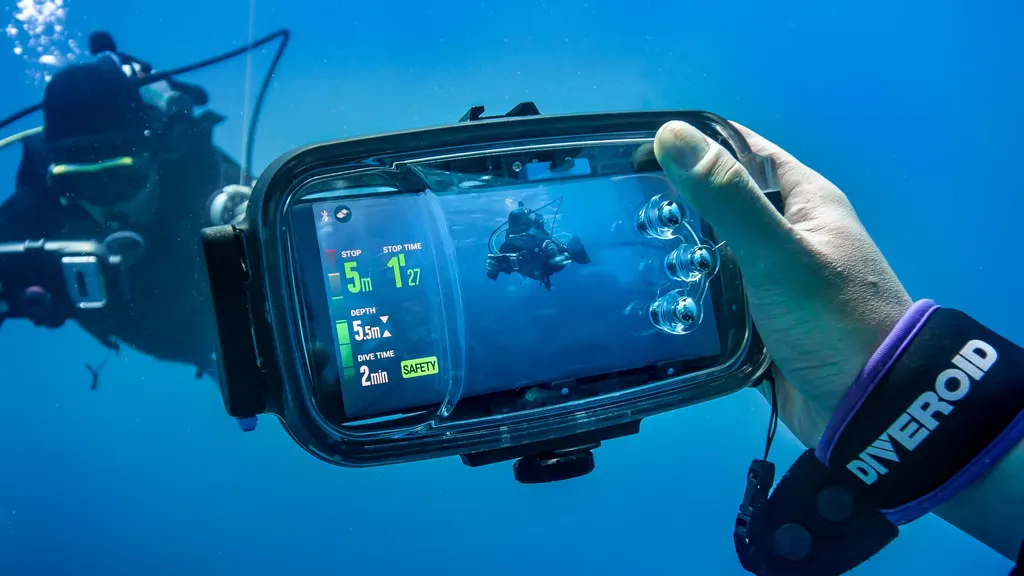
A diver underwater holding a phone in the Diveroid housing, the screen showing depth, dive time and a safety stop

Overview

About Diveroid

Diveroid turns a phone into a dive computer and underwater camera. We worked with the team on the Android side of the product, built in Kotlin.

  • Android side of the product built in Kotlin
  • Dive computer and underwater camera in one phone app
  • Published on Google Play

Capabilities

What Diveroid does

01

What the product does

  • Turns a phone into a dive computer
  • Doubles as an underwater camera
  • Replaces separate dive hardware
  • Consumer app for recreational divers
02

Our contribution

  • Android side of the product
  • Written in Kotlin
  • Worked alongside the Diveroid team
  • Engagement completed

Gallery

Diveroid in use

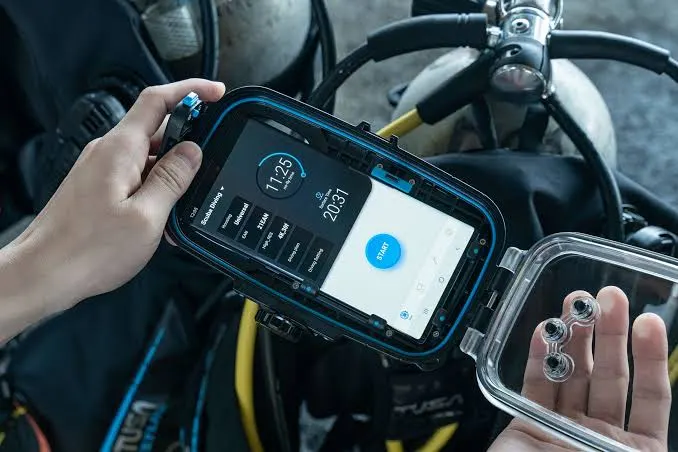
The Diveroid housing held above water, the phone inside showing the app's dive start screen
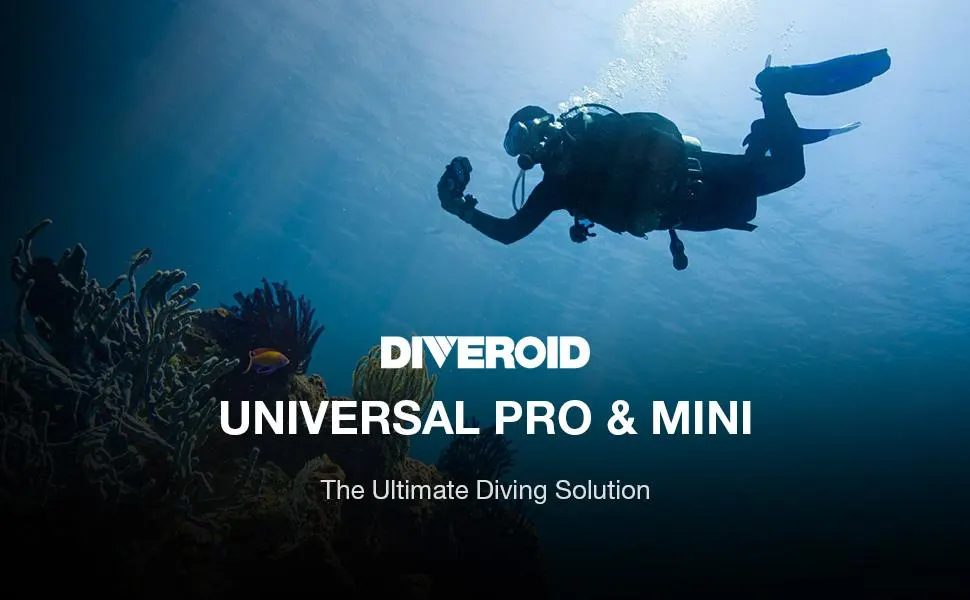
Diveroid Universal Pro and Mini shown against a diver swimming over a reef
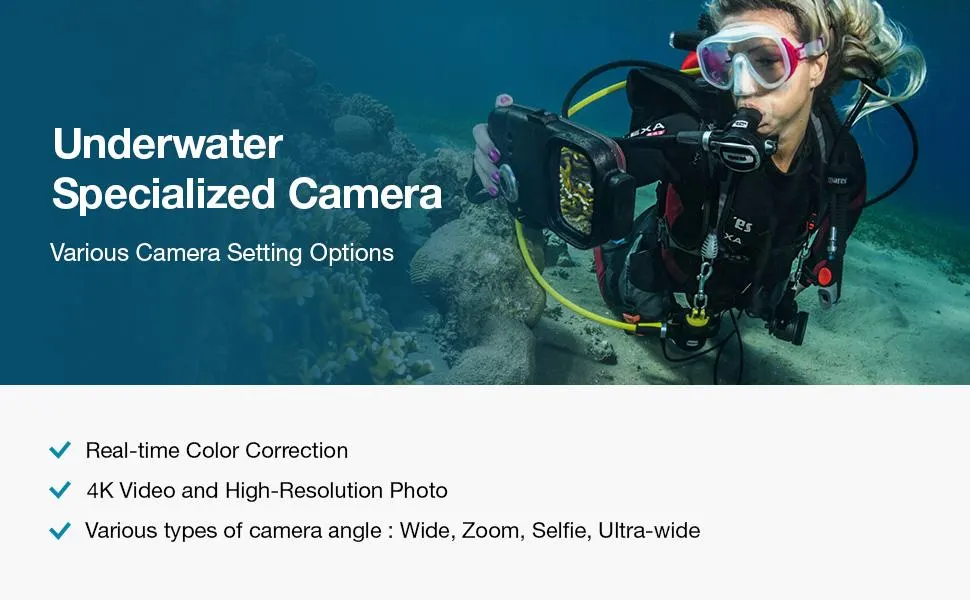
A diver photographing a reef through the Diveroid housing, listing real-time colour correction, 4K video and wide, zoom, selfie and ultra-wide angles
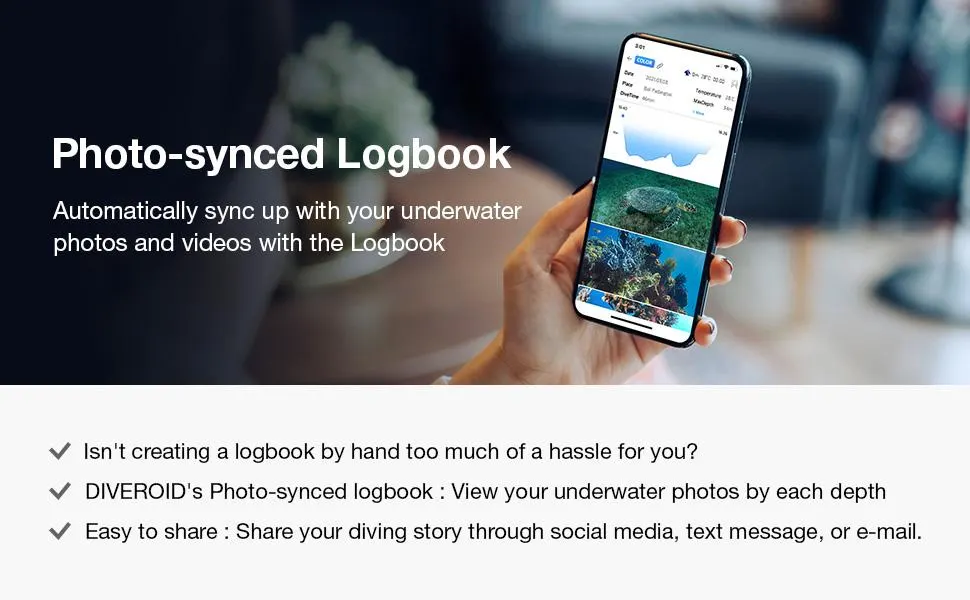
The Diveroid photo-synced logbook on a phone, showing a dive profile above the photos taken at each depth
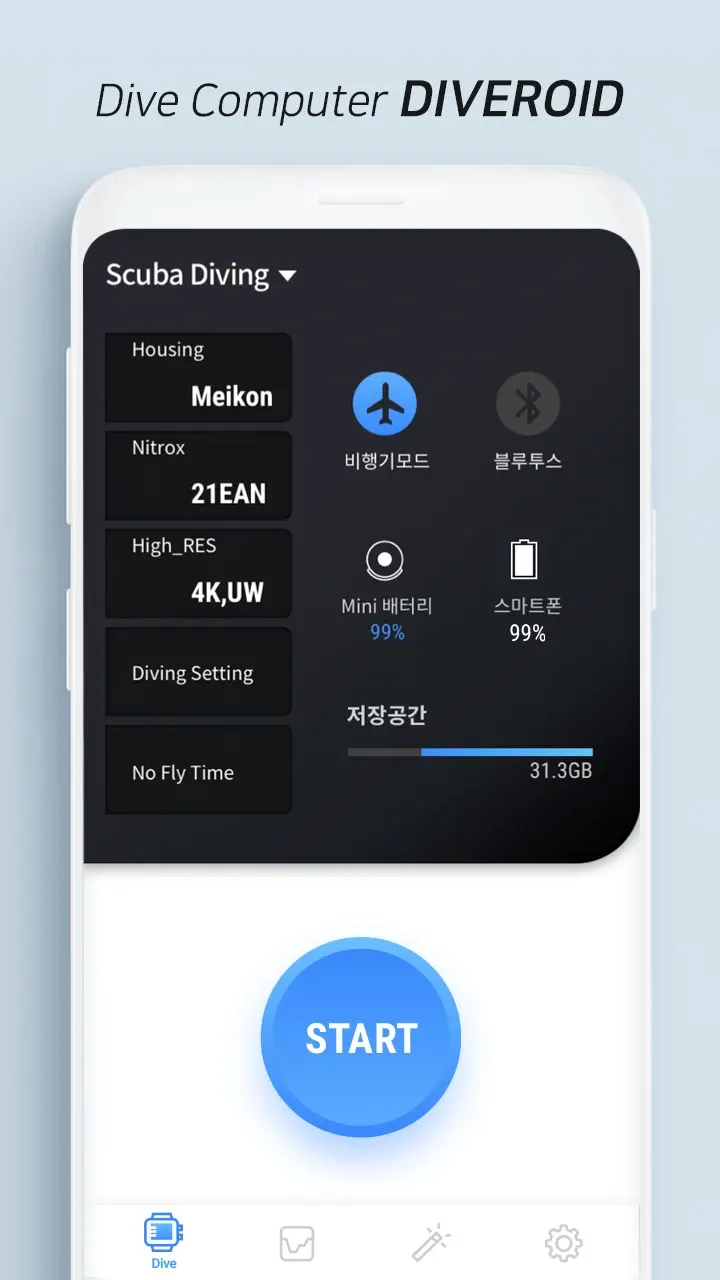
The Diveroid Android dive computer screen, with housing, nitrox, resolution and no-fly-time settings above a start button
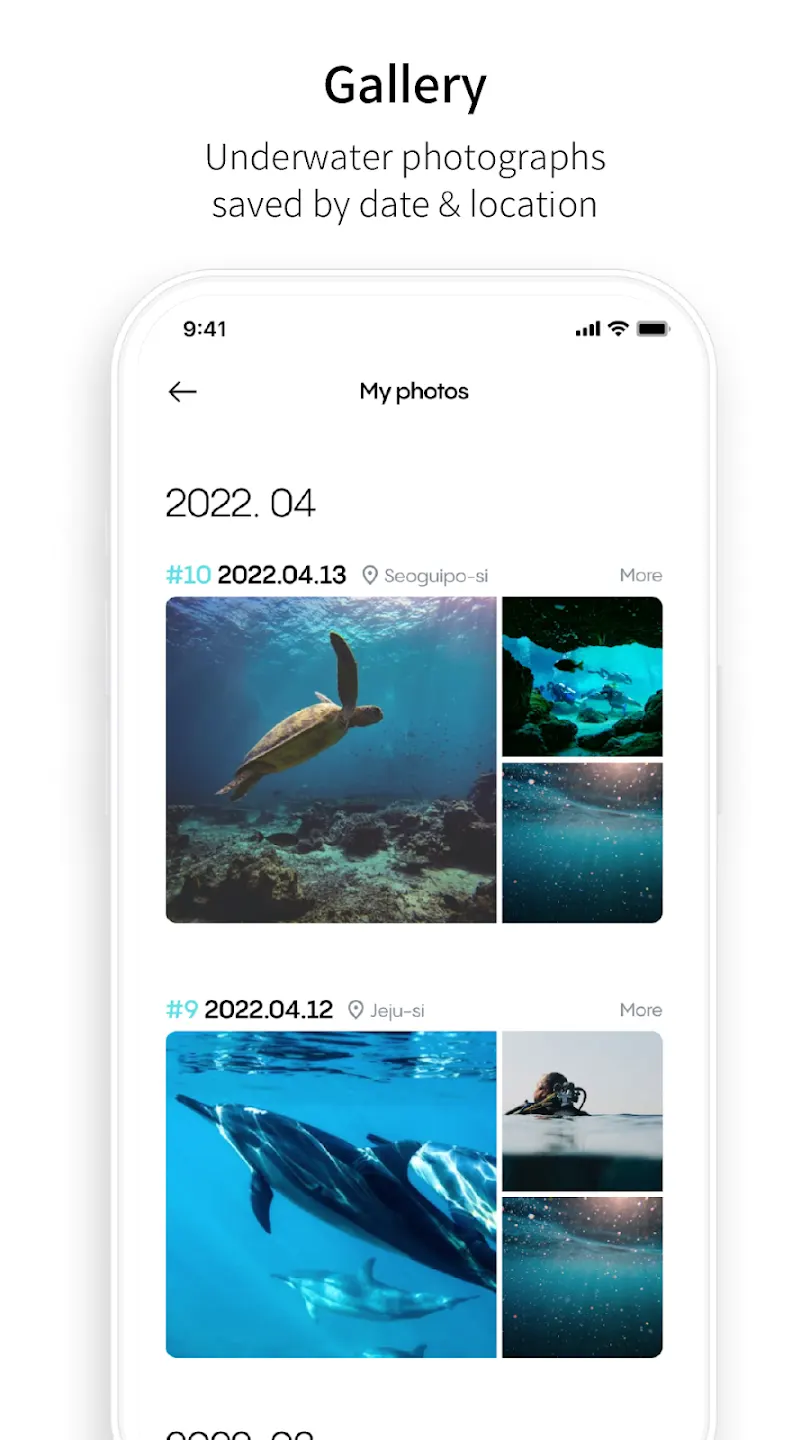
The Diveroid Android gallery screen, showing underwater photographs grouped by date and location

How we delivered it

From challenge to result

01

Challenges

A dive computer is safety equipment, and asking a phone to do that job puts the app in an unforgiving place: it runs inside a housing, underwater, with no chance to tap through a problem mid-dive, and it has to be a usable camera at the same time.

02

Our Process

We worked with the Diveroid team on the Android build, in Kotlin — native rather than cross-platform, which is the right call when the app has to sit close to the device sensors and the camera stack.

03

Solutions

An Android application that covers both halves of the product: the dive-computer role and the underwater camera, in one app on hardware the diver already owns.

04

Results

The Android app is published on Google Play. The engagement is complete.

What is Diveroid?

Diveroid turns a phone into a dive computer and an underwater camera. Instead of carrying separate dive instrumentation and a camera, a diver uses the phone they already own inside a housing, with the app handling both jobs.

What did DI Solutions do on Diveroid?

We worked with the Diveroid team on the Android side of the product. The Android application is built in Kotlin, and our involvement covered that platform rather than the whole product.

Why was the Android app built in Kotlin?

Kotlin is the native language for Android, and native is the right choice here. The app works close to the device — camera, sensors, and behaviour that has to stay predictable underwater — which is exactly where a cross-platform layer costs you control.

Where can I get Diveroid?

The Android app is published on Google Play. The engagement itself is completed — Diveroid continues to run and distribute the product.

FAQs

Diveroid - questions we hear most

Did DI Solutions build the whole Diveroid product?+

We worked on the Android side of it, in Kotlin. The product as a whole is Diveroid's.

Does Diveroid replace a dedicated dive computer?+

That is the idea behind it — the app turns the phone into the dive computer, and into an underwater camera at the same time.

Is the engagement ongoing?+

No. The Diveroid engagement is completed.

Planning a product like Diveroid?

Tell us what you want to build and we will help you scope it, plan it and ship it.