



Our own product
WapGrow AI
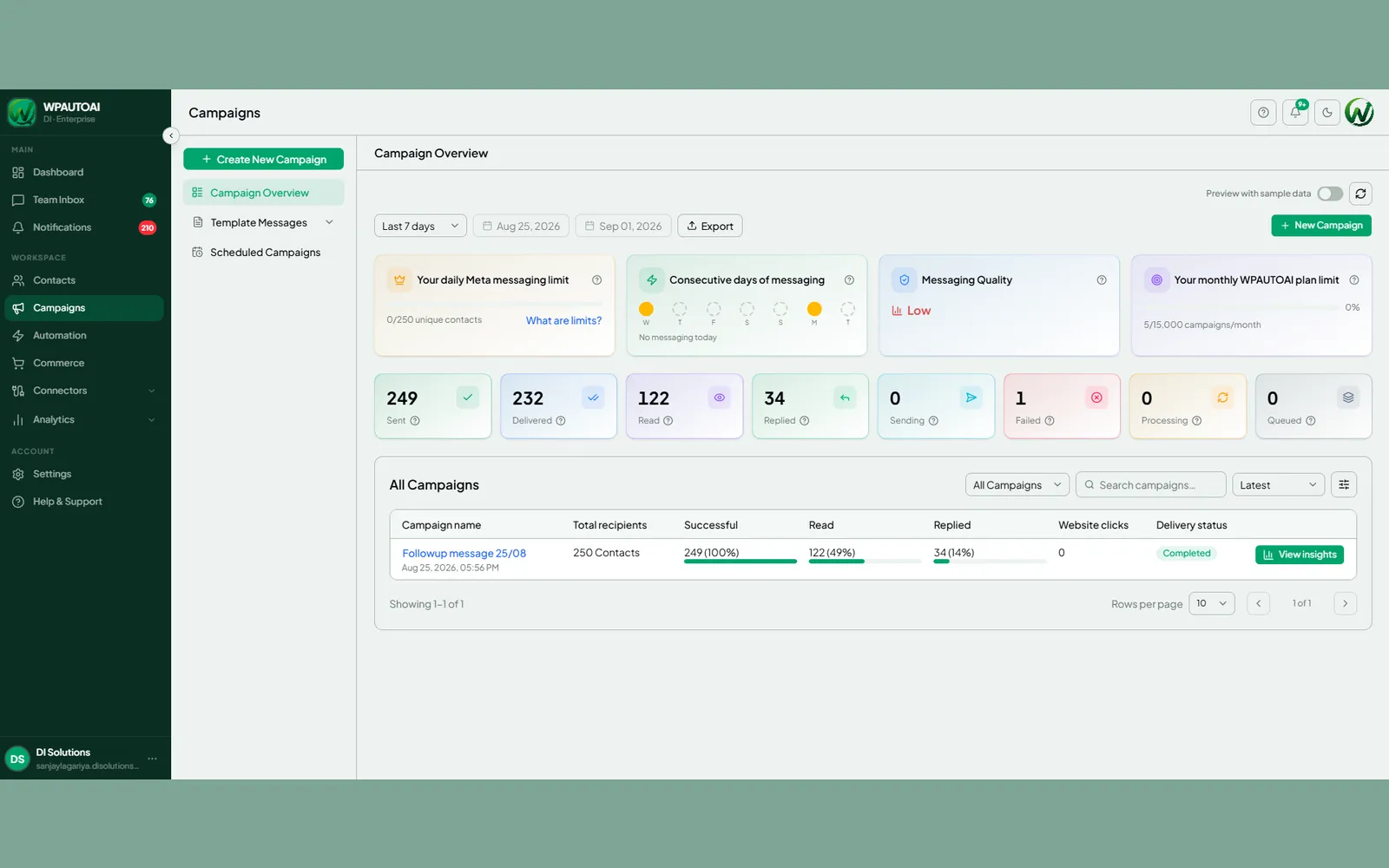
WapGrow AI is a WhatsApp Business platform that lets marketing, sales and support teams run every customer conversation, automation and payment from a single shared inbox.

What WapGrow AI does
Conversations
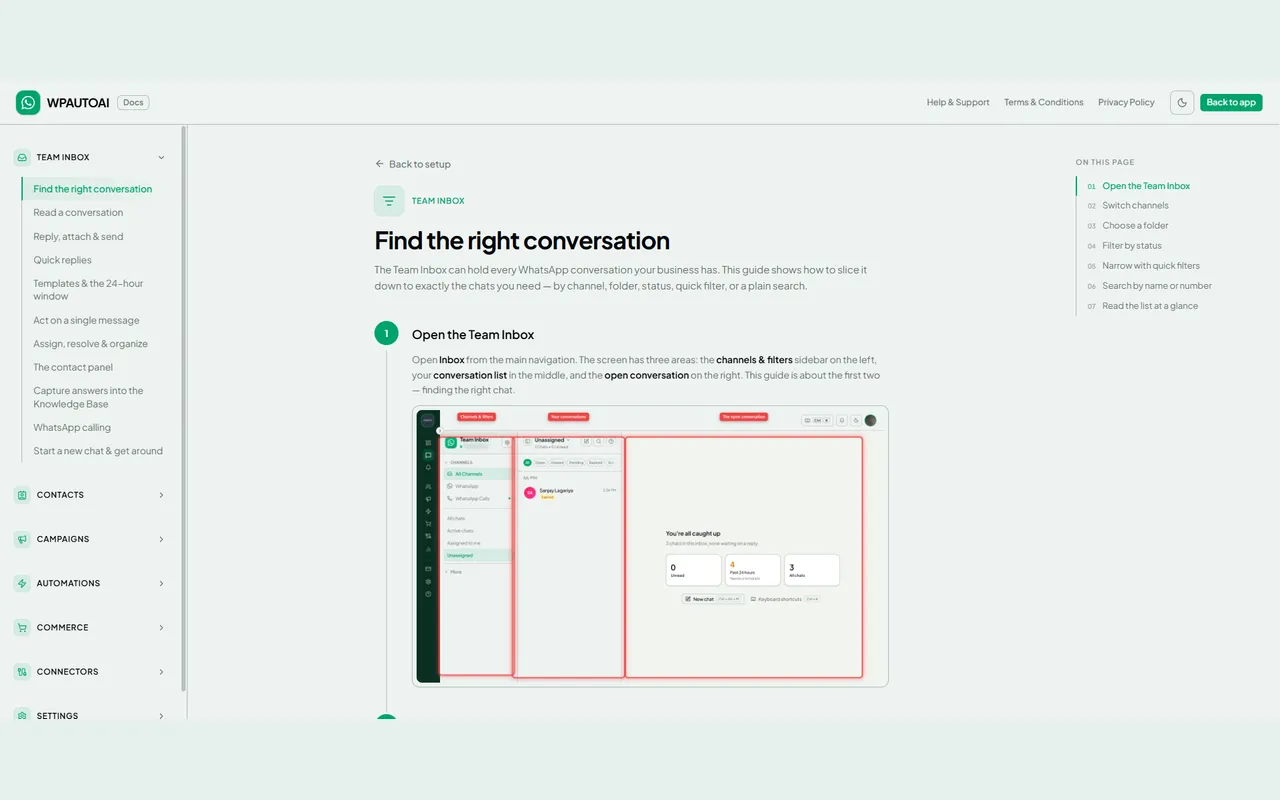
- Shared team inbox
- Assignment and handoff with full history
- WhatsApp and Instagram in one place
- Green-tick verified sender identity
Automation
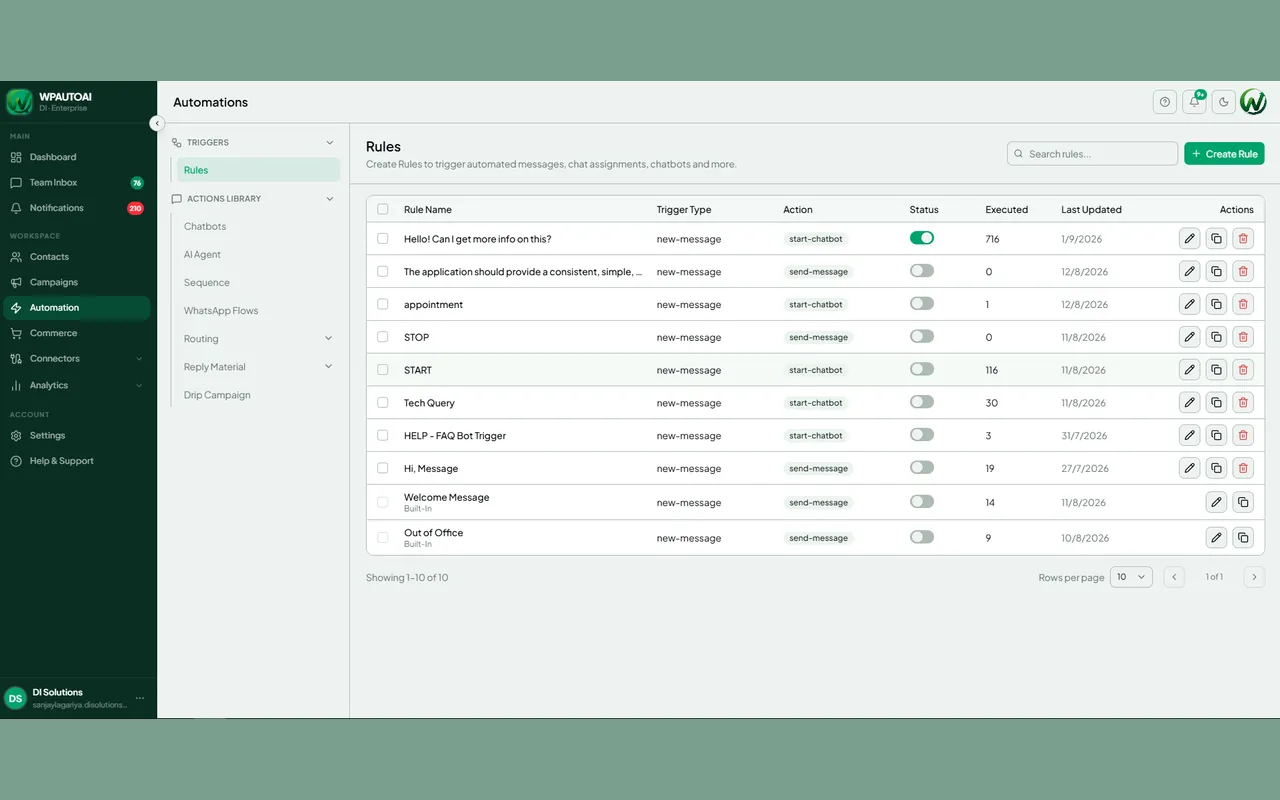
- No-code visual flow builder
- AI lead qualification
- Round-the-clock routine support
- Explicit human handoff rules
Commerce
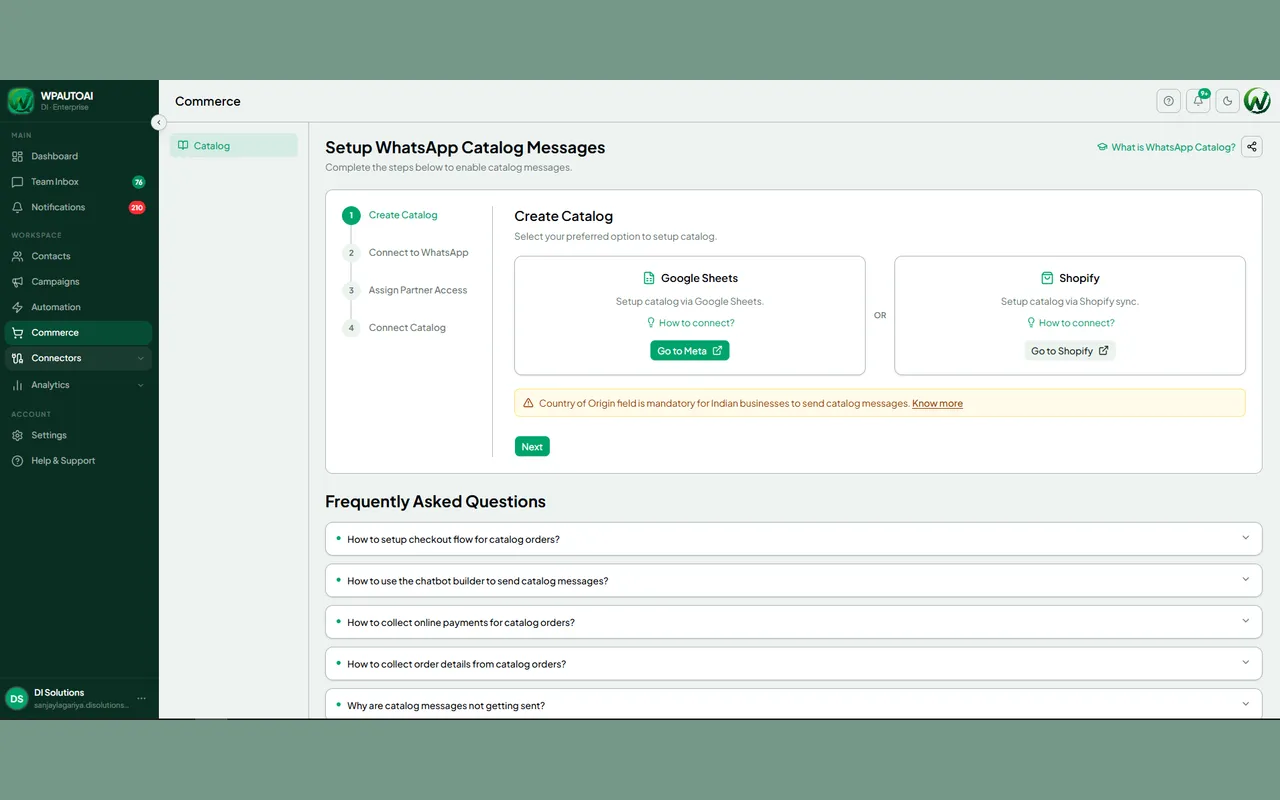
- Product catalogues in chat
- In-chat payments
- Order capture without leaving the conversation
- Shopify catalogue sync
Integrations
- HubSpot
- Salesforce
- Zapier
- Official WhatsApp Business API
WapGrow AI in use


How we built it
Challenges
Teams were running customer conversations from personal WhatsApp accounts. There was no shared history, no way to assign an enquiry, and no record at all once the person holding the phone was unavailable. Automating broadcasts unofficially risked the number being restricted.
Our Process
We built on the official WhatsApp Business API rather than an unofficial bridge, added a shared inbox with assignment and full history, then layered a visual no-code flow builder so people who do not write code could automate the repetitive half of the conversation.
Solutions
One inbox across WhatsApp and Instagram, AI chatbots with explicit human handoff, compliant broadcast campaigns, product catalogues and in-chat payments, and sync with the CRM and store a team already runs on.
Results
A verified sender identity, conversations that survive staff changes because they live in the platform rather than on a device, and a checkout that never leaves the chat.
At a glance
- Product
- WapGrow AI
- Owner
- DI Solutions (our own product)
- Category
- Conversational messaging platform
- Channel
- Official WhatsApp Business API
- Stack
- Next.js front end, Node.js back end
- Integrations
- HubSpot, Salesforce, Shopify, Zapier
- Status
- Live and actively developed
What does WapGrow AI do?
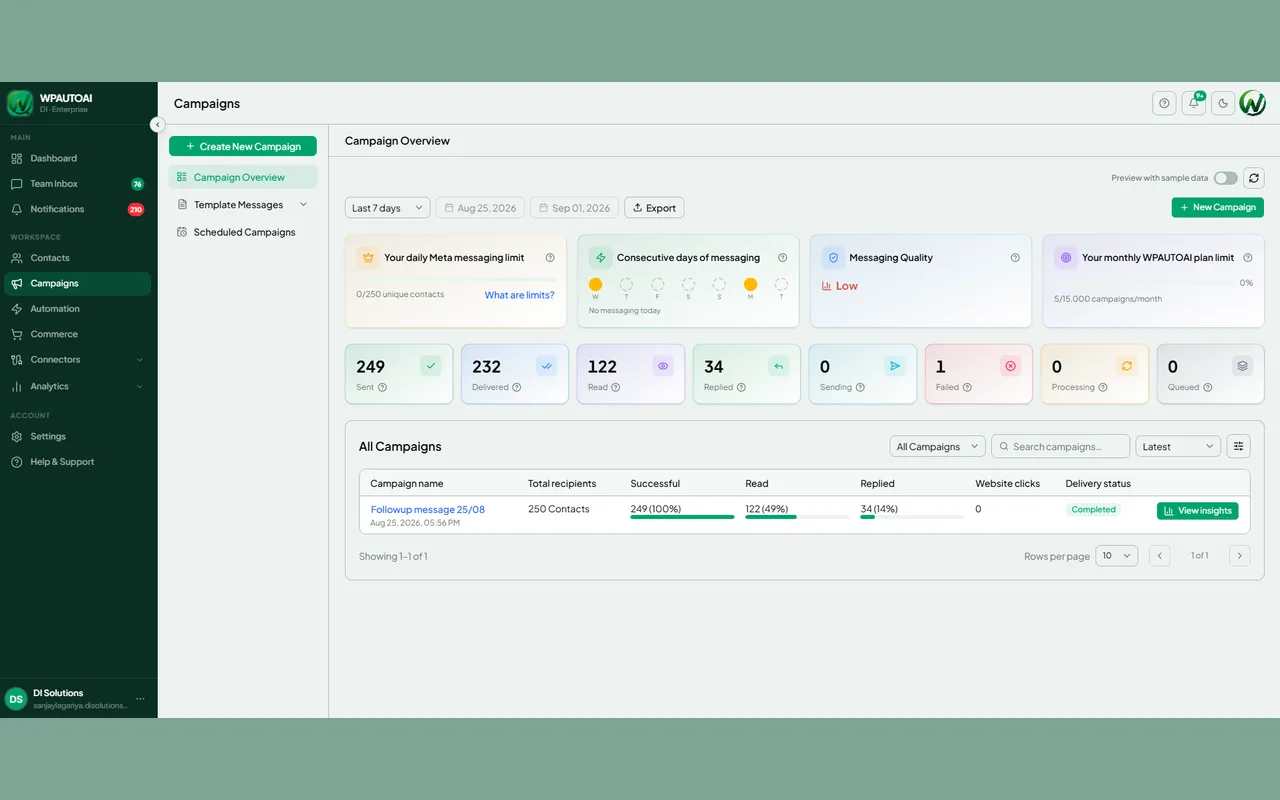
WapGrow AI unifies customer messaging on WhatsApp. Teams share one inbox instead of passing a phone around, build no-code AI chatbots to answer routine questions around the clock, send broadcast campaigns to opted-in contacts, and take orders and payments inside the conversation.
It runs on the official WhatsApp Business API, so businesses get a verified sender identity rather than an unofficial workaround that risks the number being blocked.
How do the AI chatbots work?
Chatbots are built in a visual flow editor, with no code. You lay out the conversation as steps and branches, decide where the bot answers on its own and where it hands off to a person, and publish. The bot qualifies leads and handles routine support continuously.
Does WapGrow AI integrate with existing tools?
Yes. It connects to HubSpot and Salesforce so conversations and qualified leads reach the CRM your team already uses, and to Shopify so product catalogues and orders stay in sync with the store rather than being maintained twice.
Who is WapGrow AI for?
Teams whose customers already message rather than email — retail and e-commerce, services businesses, and any support function fielding repetitive questions at volume. It suits companies that need a shared, auditable inbox rather than a personal WhatsApp account.
Frequently Asked Questions
Find answers to common questions about our services, process, and how we deliver unparalleled digital solutions.
- Yes. It uses the official WhatsApp Business API, which is what makes green-tick verification and compliant broadcast messaging possible. Unofficial automation risks the number being restricted.
- No. Conversations happen in the WhatsApp your customers already use. Only your team uses the WapGrow AI interface.
- Yes. The team inbox is shared, so conversations can be assigned and handed between agents with the full history intact rather than restarting on a personal device.
- Yes. Product catalogues and in-chat payments are supported, so a customer can browse, order and pay without being redirected to a separate checkout.
Published


