




emailIcon
solutions@disolutions.net
facebook
+91-9904566590
facebookinstagramLinkedInIconyoutubeIcontiktokIcon

Built by DI Solutions

Waves: Bible Verse

Waves: Bible Verse is a mobile app that curates Bible verses around a reader's daily mood check-in, delivering them through widgets, reminders and an in-app assistant that explains passages and answers questions.

#React Native#iOS#Consumer app#Reference
Waves: Bible Verse app icon

What Waves: Bible Verse does

Curation

  • Daily mood check-in slider
  • Verses selected for how the reader feels
  • Browse by life topic
  • Handpicked rather than randomised

Always present

  • Lock screen widget
  • Home screen widget
  • Verses refreshing every two hours
  • Customisable reminder notifications

Waves Chat

  • Plain-language verse explanations
  • Devotional context on a passage
  • Scripture suggested for a situation
  • Open questions answered with faith-based guidance

Platforms

  • iPhone on iOS 18 and later
  • Mac on macOS 15 with Apple silicon
  • Apple Vision on visionOS 2
  • Free tier with a premium subscription

Waves on iPhone

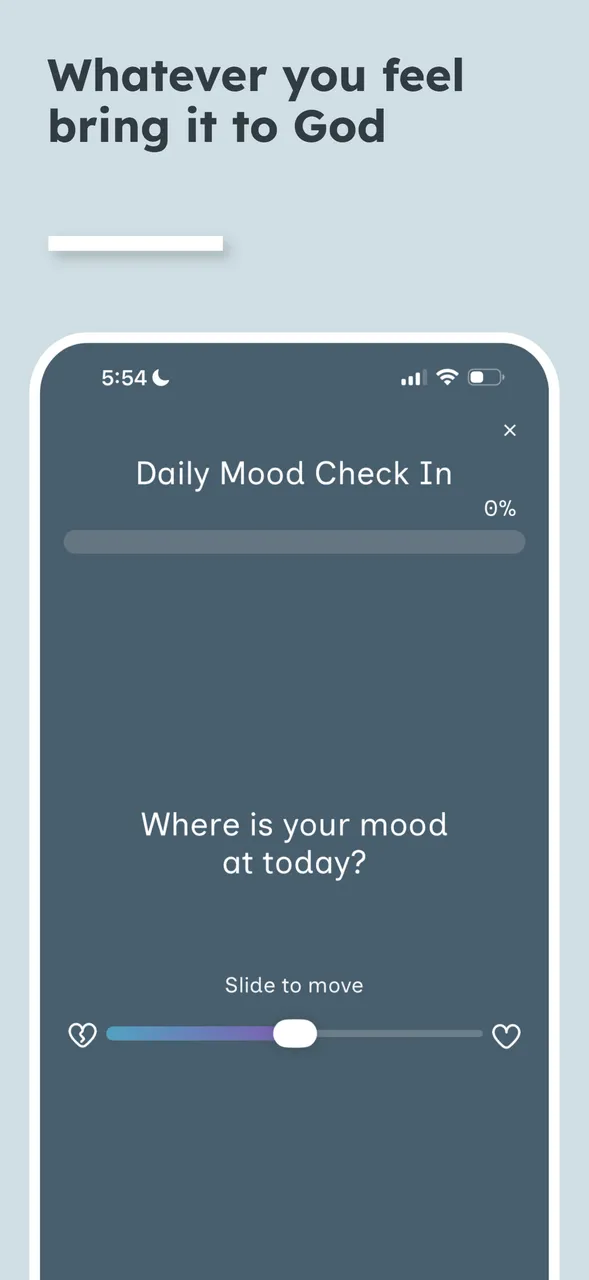
The Waves mood check-in, asking the reader how they are feeling before curating that day's scripture
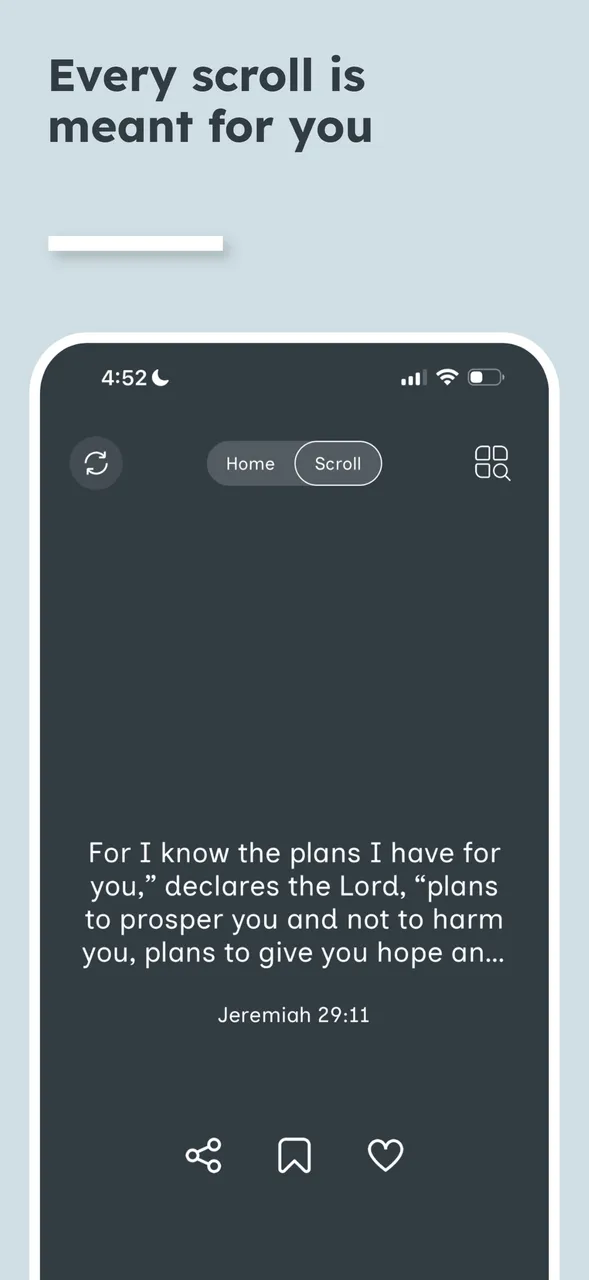
A Waves verse screen showing Jeremiah 29:11 in a scrollable feed, with share, bookmark and favourite actions
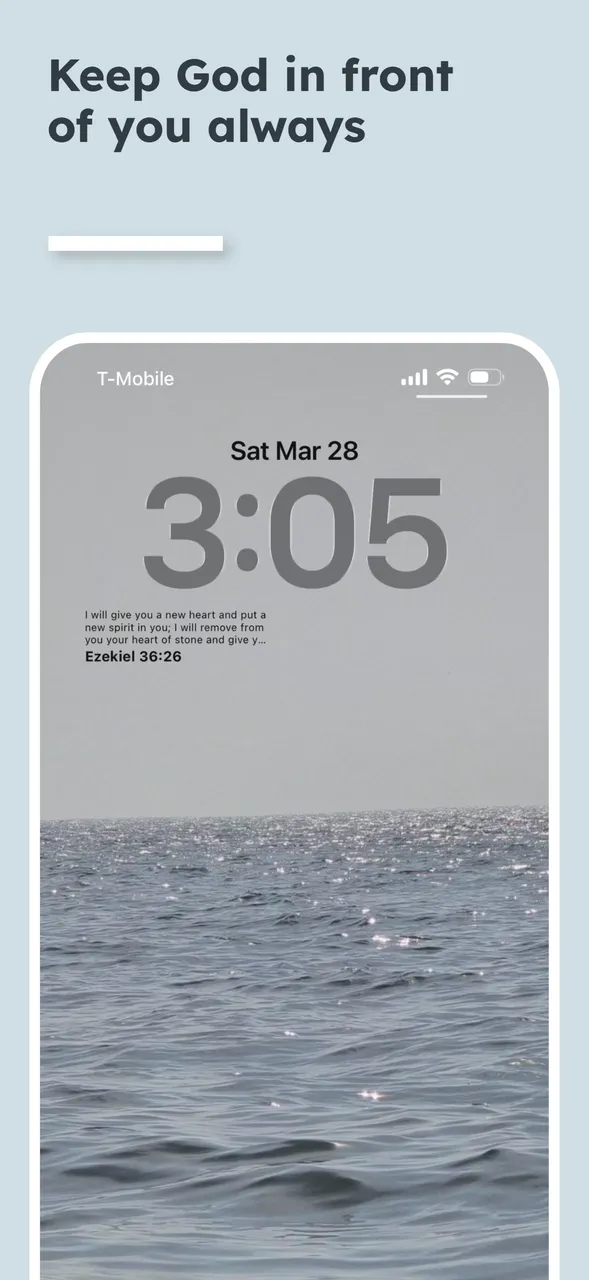
Waves lock and home screen widgets holding a verse that refreshes every two hours
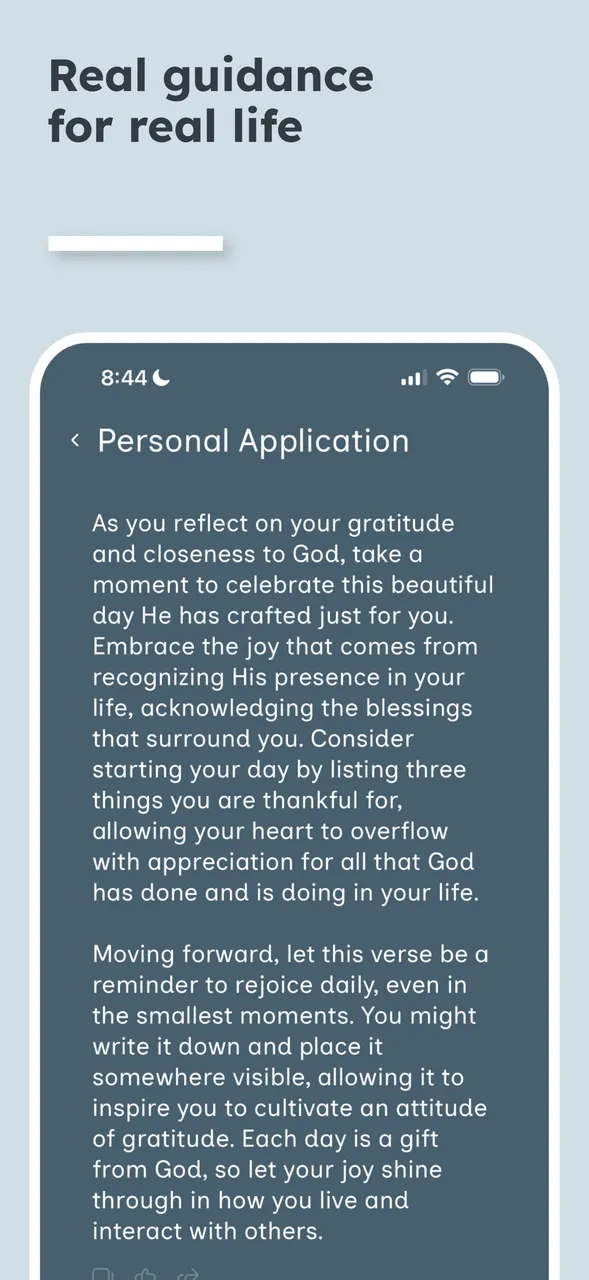
Waves Chat explaining a passage and offering faith-based guidance in reply to a reader's question
The Waves life-topics browser, letting a reader find scripture by the situation they are facing

How we built it

Challenges

Most scripture apps hand the reader a verse of the day chosen for everyone at once, or a search box that assumes the reader already knows what they are looking for. Neither helps someone who opens the app because of how a particular day is going.

Our Process

We made the mood check-in the entry point rather than a settings toggle, so the selection has something real to work from before it picks anything. The verse then has to reach the reader without the app being opened, which put widgets and reminders in the first release rather than a later one.

Solutions

A mood slider driving daily curation, topic browsing for a deliberate search, lock and home screen widgets refreshing through the day, customisable reminders, and Waves Chat for explanation and guidance on any passage.

Results

A single codebase shipping to iPhone, Mac and Apple Vision, and a reading experience that starts from the reader's day instead of a fixed calendar.

At a glance

Product
Waves: Bible Verse
Publisher
Waves Studio LLC
Category
Reference
Built by
DI Solutions
Stack
React Native
Platforms
iPhone, Mac (Apple silicon), Apple Vision
Minimum OS
iOS 18, macOS 15, visionOS 2
Pricing
Free with a premium subscription

What does the Waves app do?

Waves curates Bible verses for what a reader is going through. A daily mood check-in shapes the selection, widgets keep a verse on the lock and home screens, reminders arrive as often as the reader chooses, and an in-app assistant explains any passage.

Rather than one verse of the day for everyone, the selection responds to the check-in, so two readers opening the app on the same morning can see different scripture.

How does the mood check-in work?

The reader sets a slider to reflect how they are feeling that day. Waves uses that to curate scripture around the areas they want to grow in — guidance, strength, peace, love or wisdom — instead of returning a fixed daily passage.

What is Waves Chat?

An assistant built into the app. It explains what a verse means, provides devotional context, recommends scripture for a specific situation, and answers open questions with faith-based guidance, so a reader is not left with a passage they cannot place.

Which devices does Waves run on?

iPhone on iOS 18 or later, Mac on macOS 15 or later with an M1 chip or newer, and Apple Vision on visionOS 2. The app is free to download, with a Waves Premium subscription unlocking all topics and full access to Waves Chat.

Support Center

Frequently Asked Questions

Find answers to common questions about our services, process, and how we deliver unparalleled digital solutions.

The app is free to download. Waves Premium is a subscription that unlocks every topic and full access to Waves Chat, and it starts with a three-day free trial.

Yes. Lock screen and home screen widgets show a verse that refreshes every two hours, and reminder notifications can be set to arrive as often as the reader wants through the day.

Yes. Alongside the mood check-in, verses can be browsed by life topic, so a reader facing a particular challenge can go straight to scripture that addresses it.

Yes. The Mac build requires macOS 15 or later on an M1 chip or newer. iPhone requires iOS 18, and Apple Vision requires visionOS 2.

Published

messageIcon
callIcon
whatsApp
skypeIcon