

solutions@disolutions.net

+91-9904566590


Cloud Computing Essentials

By DI Solutions
Developer
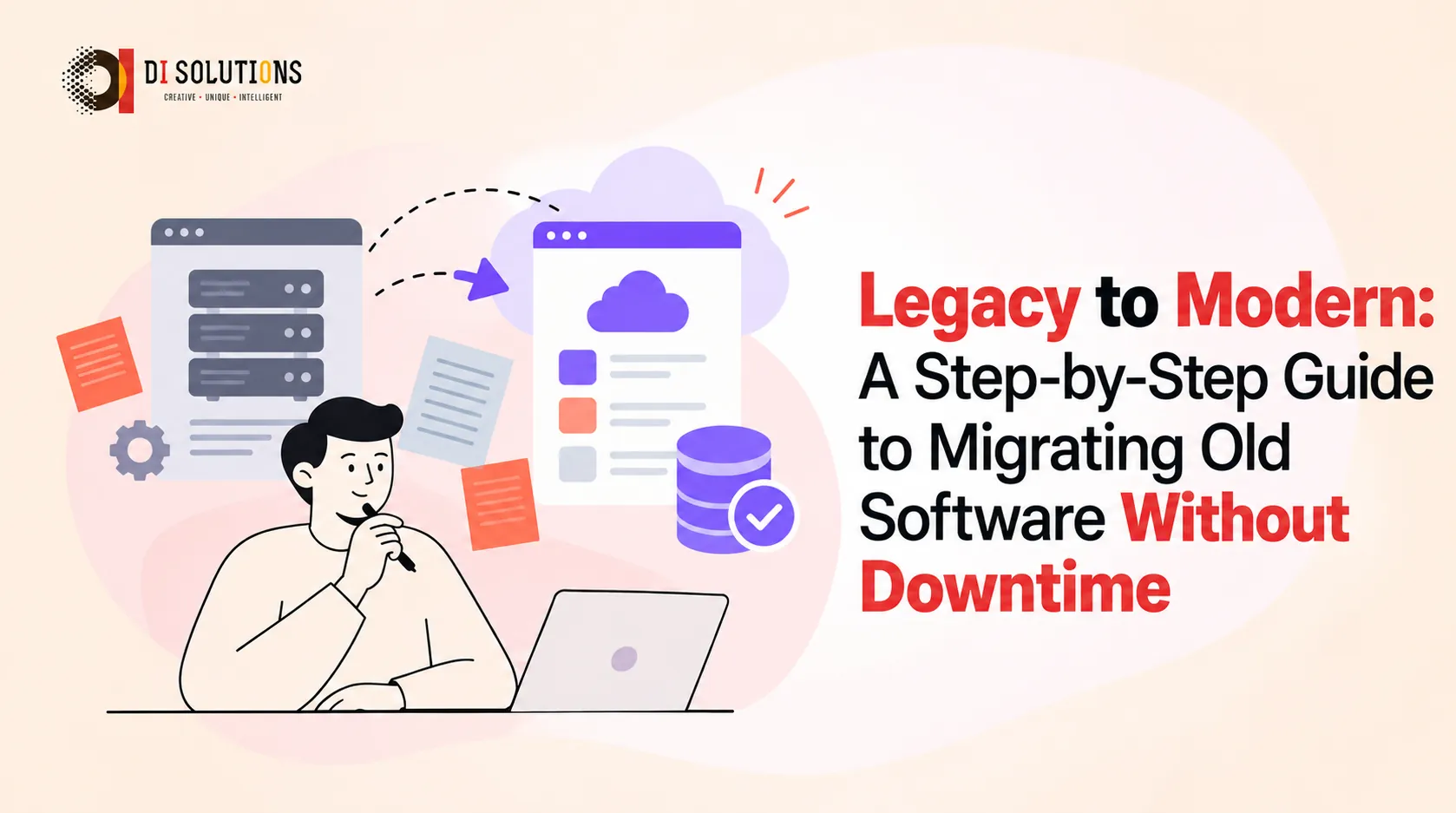
Somewhere in your business, there’s probably a system nobody wants to touch. It’s slow, hard to change, understood by only one or two people, and yet the company depends on it every day.
That’s legacy software, and modernising it is one of the smartest investments a growing business can make. The fear is understandable: “What if everything stops working during the migration?”
The good news is that with the right approach, you can modernise without downtime. This guide explains how.
Legacy software migration means moving an older application, its data and its infrastructure to a modern architecture, platform or cloud environment. Depending on the goal, that may involve:
If you recognise three or more of these, it’s time to plan a modernisation.
| Strategy | What it means | Best when |
|---|---|---|
| Rehost (“lift and shift”) | Move the app to cloud infrastructure with minimal changes | You want quick wins and lower hosting costs |
| Replatform | Small changes to use cloud services (managed database, containers) | You want benefits without a full rewrite |
| Refactor / re-architect | Redesign the app (e.g. monolith to microservices) | You need scalability and faster development |
| Rebuild | Rewrite from scratch on a modern stack | The old code is beyond saving |
| Replace | Swap for an off-the-shelf product | A standard solution covers your needs |
| Retain | Leave it as is for now | Low value or planned retirement |
Most real projects combine several of these for different parts of the system.
The name comes from strangler fig trees, which grow around an old tree until they gradually replace it.
Applied to software:
Why it works: There’s no risky “big bang” cutover. At every step, the business keeps running, and if something goes wrong you can route traffic back to the old system.
Document what the software does, who uses it, how it’s hosted, which systems connect to it and where the data lives. Identify the most valuable and the most fragile parts.
Examples: reduce hosting costs, cut release time from months to weeks, improve page speed, enable mobile access. Clear goals keep the project focused.
Use the table above. Decide, module by module, whether to rehost, refactor, rebuild or replace.
Start with a low-risk, high-visibility module to prove the approach. Avoid starting with the most complex core function.
Route a small share of traffic (or a pilot group of users) to the new component first. Compare results, then increase gradually.
Switch each feature fully once it’s stable, keeping a rollback plan until you’re confident.
Only after all traffic and data have moved, and after a stabilisation period, retire the legacy system and archive what compliance requires.
Use the new architecture’s benefits: faster releases, automated deployments, better monitoring and easier integration.
It varies widely with the size, age and complexity of the system. Small modules can be migrated in weeks, while large enterprise platforms take many months. A discovery and audit phase produces a realistic roadmap and budget. Phased migration also spreads cost over time and delivers value earlier.
It's the process of updating or replacing outdated software, architecture or infrastructure so it is faster, more secure, easier to maintain and ready for new technology.
Yes. Approaches such as the strangler-fig pattern, parallel running and gradual traffic shifting allow the business to keep operating throughout.
Migration (or refactoring) is usually safer and cheaper because it keeps proven business logic. A full rebuild makes sense only when the old code is too fragile or outdated to save.
It's an incremental modernisation method where new components gradually take over functionality from the old system until the legacy application can be switched off.
Start with an audit, then choose a strategy (rehost, replatform or refactor), migrate data with validation, run systems in parallel, and cut over in phases.
Rising maintenance costs, security vulnerabilities, difficulty hiring skilled staff, slower innovation and limited ability to integrate with modern tools.
Modernisation doesn’t have to be a leap of faith. With a clear audit, a phased plan, strong testing and the strangler-fig approach, you can move to a modern, scalable platform while your business keeps running.
🚀 Ready to modernise?
DI Solutions helps businesses migrate and rebuild legacy applications using .NET, React, Angular, Node.js and cloud platforms, with a team of 75+ engineers and 750+ projects delivered. 👉 Request a free legacy system assessment.